
Safe TV Bracket Mounting in Singapore Homes
Mounting a television isn’t just about aesthetics—it’s about safety, durability, and comfort. In Singapore flats and condos, wall types vary dramatically, and choosing the wrong anchors or height can lead to costly accidents. This guide explains the differences between concrete and hollow walls, how to mount securely, and the finishing touches that make your setup professional.
Understanding Singapore's Structural Concrete Walls
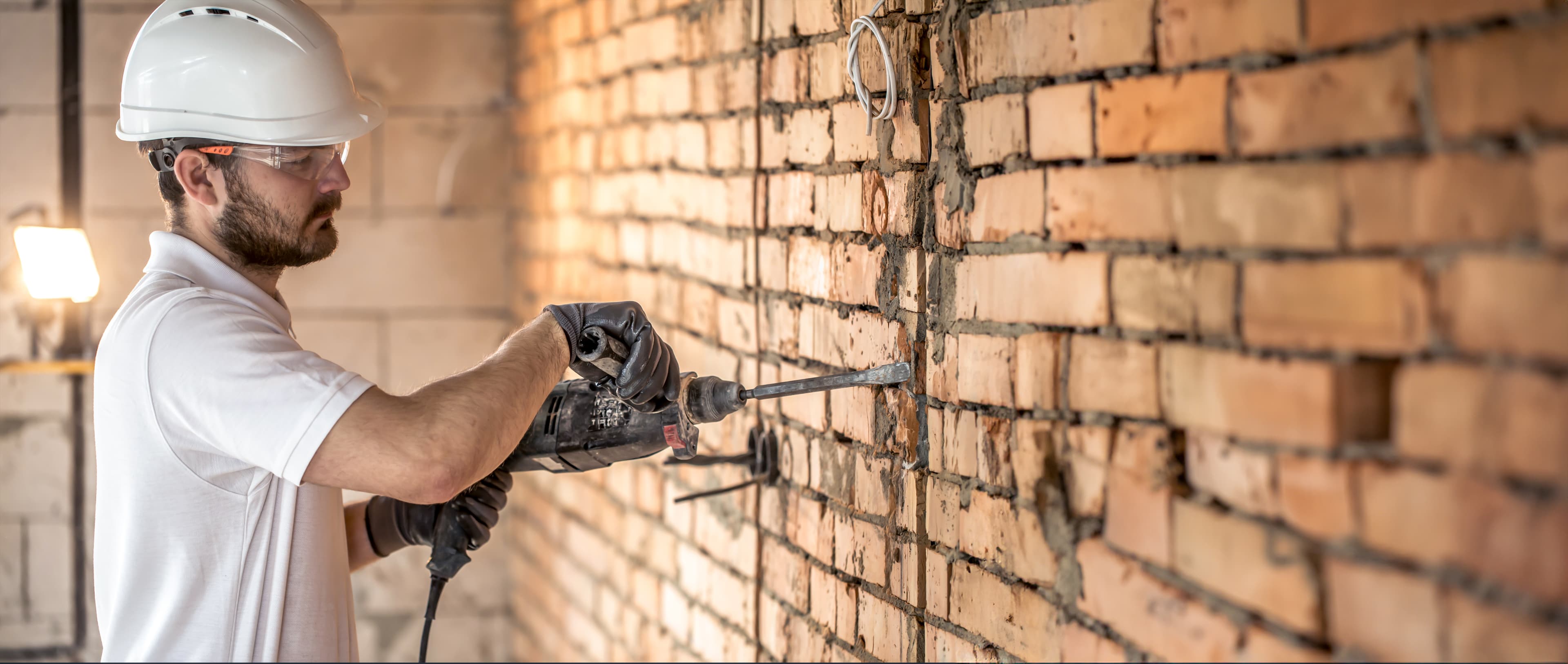
In most HDB flats and many condominiums, the external walls, the wall separating your unit from the corridor, and the bomb shelter (storm shelter or household shelter) are constructed from high-strength reinforced concrete. These walls are incredibly dense and strong, designed to withstand significant force. Mounting a TV bracket here requires the right tools and anchors. You will need a hammer drill with a masonry bit—a standard drill will not work. The correct fasteners are heavy-duty masonry bolts or expansion anchors. These are typically made of zinc-plated or stainless steel. Do not use the cheap plastic wall plugs that come with many TV brackets. They are not designed for the weight of a modern TV (which can be 15-30kg or more). For a concrete wall, drill a hole that matches the anchor size (e.g., 8mm or 10mm), clean the dust out of the hole by blowing into it or using a vacuum, then hammer the anchor in and tighten the bolt. The anchor will expand against the concrete, creating a very secure hold. A 32-inch to 65-inch TV on a concrete wall can usually be safely mounted using four correctly sized expansion anchors. Always check the bracket's weight rating and ensure your bolts penetrate at least 40-50mm into the concrete.
The Challenge of Hollow Partition Walls
Many internal partition walls in Singapore condos and some newer HDB flats are not solid concrete. Instead, they are hollow constructions made of metal or wood studs covered with drywall (gypsum board) or, less commonly, plasterboard. These walls are lightweight and provide no solid material for a standard screw or plug to bite into. Trying to mount a heavy TV directly onto a hollow wall using standard wall plugs is extremely dangerous—the TV can and will pull the screws right out of the wall, causing it to fall and potentially injure someone or destroy the TV. For hollow walls, you need specialized anchors. The two most reliable types are toggle bolts and butterfly anchors. A toggle bolt has spring-loaded wings that fold in. You drill a hole, push the folded wings through, and as they clear the hole, they spring open against the backside of the drywall. When you tighten the bolt, the wings are pulled tight against the inside of the wall, distributing the TV's weight over a wide area. Butterfly anchors work on a similar principle but are often easier to use. For very large TVs (over 50 inches) on a hollow wall, it is highly recommended to locate the metal or wood studs behind the drywall and mount a horizontal wooden or metal rail (a mounting board) across two or three studs. Then, mount the TV bracket to this sturdy rail, completely bypassing the hollow drywall. This is the only truly safe method for heavy loads on hollow walls.
Optimal Viewing Height and Final Checks
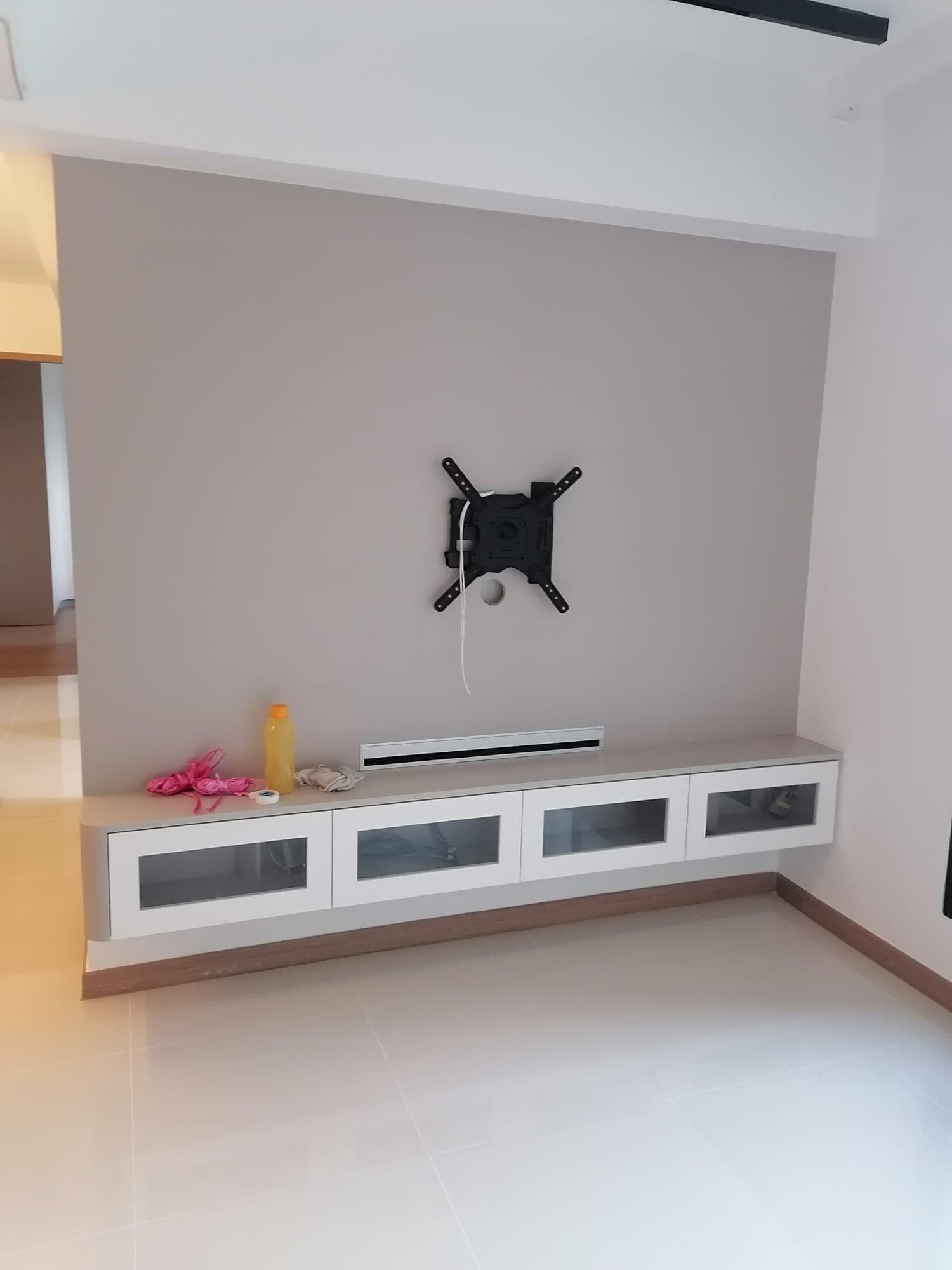
Before you even pick up the drill, determine the ideal mounting height for your TV. A common mistake is mounting the TV too high, like above a fireplace (which we don't have in Singapore) or high on the wall to be "out of the way." The ergonomic standard is that the center of the television screen should be at your eye level when you are seated in your primary viewing position. For most sofas and chairs, this means the bottom of the TV will be roughly 60-80cm from the floor for a 55-inch TV. Sit on your couch, close your eyes, then open them naturally. Where you look straight ahead is your eye line. Mark that point on the wall with a piece of low-tack tape. Then, measure half the height of your TV. Your mounting bracket's horizontal center should be positioned so that the TV's center aligns with your eye-level mark. Use a high-quality spirit level to mark your bracket holes—a crooked TV is distracting and puts uneven stress on the mounts. Once the bracket is installed, hang the TV and test it: gently push the top edge of the TV back towards the wall and try to pull the bottom edge forward. There should be no wobble or movement. If there is, tighten the bracket's tilt adjustment screws. Finally, route your cables neatly using cable covers or a trunking system to prevent tripping hazards and keep your living room looking professional.
Extra Pro Tips for Safe Mounting
1. Always check your wall type before buying anchors.
2. Use at least four anchors for TVs above 40 inches.
3. Avoid drilling near electrical wiring—use a detector if possible.
4. For swivel brackets, ensure the anchor rating supports lateral stress.
5. Test the bracket with gentle pressure before hanging the TV.
Troubleshooting Common Mistakes
• TV feels loose → anchors may not be tightened fully.
• Bracket tilts → holes were misaligned; re-check with a level.
• Wall cracks → wrong anchor type used; switch to heavy-duty bolts.
• Cable mess → use trunking or cable covers for a clean finish.